
Tools
Not sure where to start or which tool to use? 💡 We recommend the five-step guide From scenario to journey model in the Tutorial. It shows you how to get started from a text scenario or a mental model. It also helps you choose the right tool based on what you have available, how much flexibility you need, and how much you want to automate. 💡 Another easy starting point is Diagram Templates (Tool 1 below).
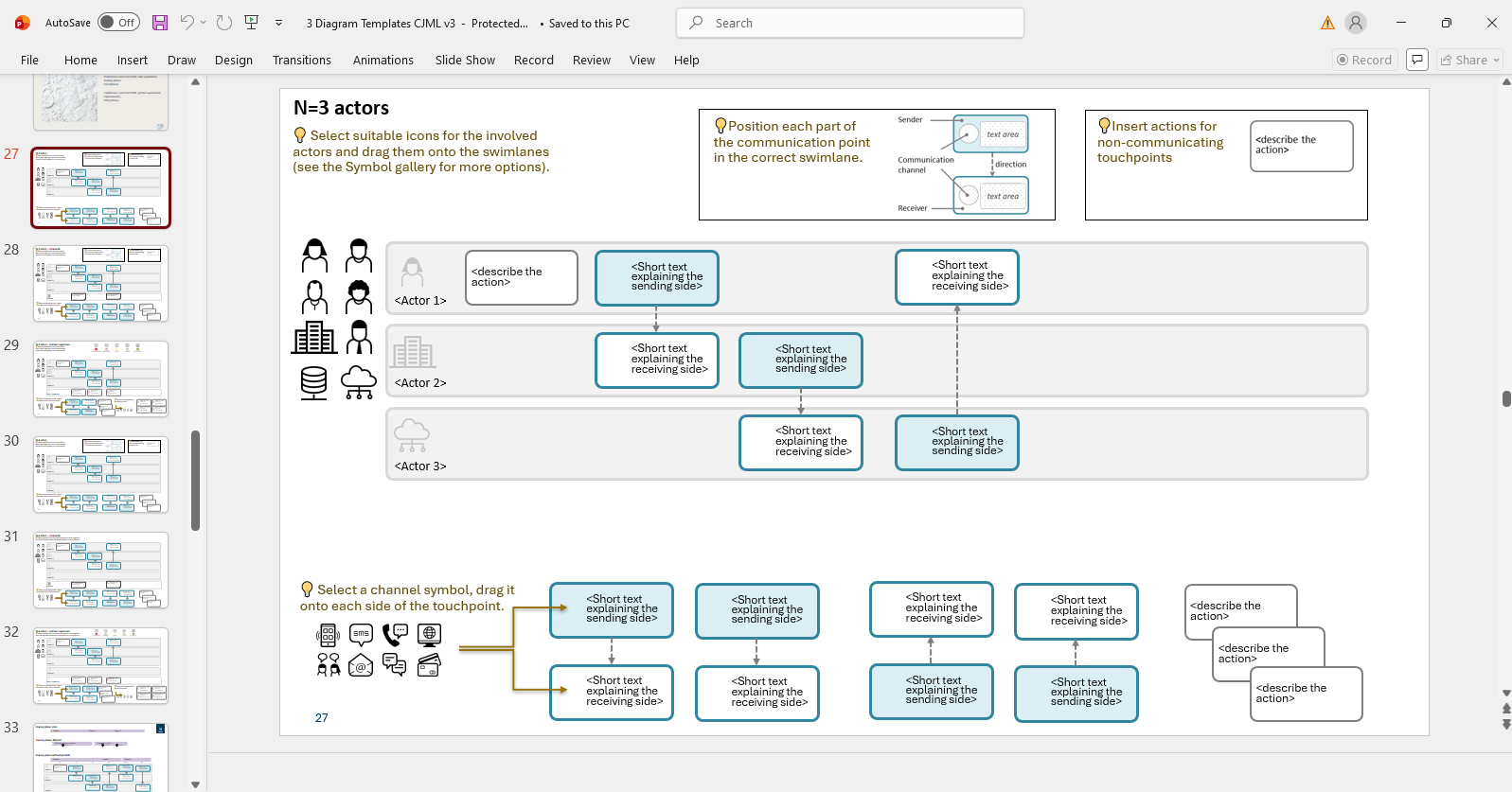
Tool 1: Diagram templates
- Most accessible entry point into CJML, designed for immediate use in Microsoft Powerpoint
- Ready-to-use templates for both types of journeys and types
- Everything is included in slides to get start working with journeys
- Examples of journeys from various domains
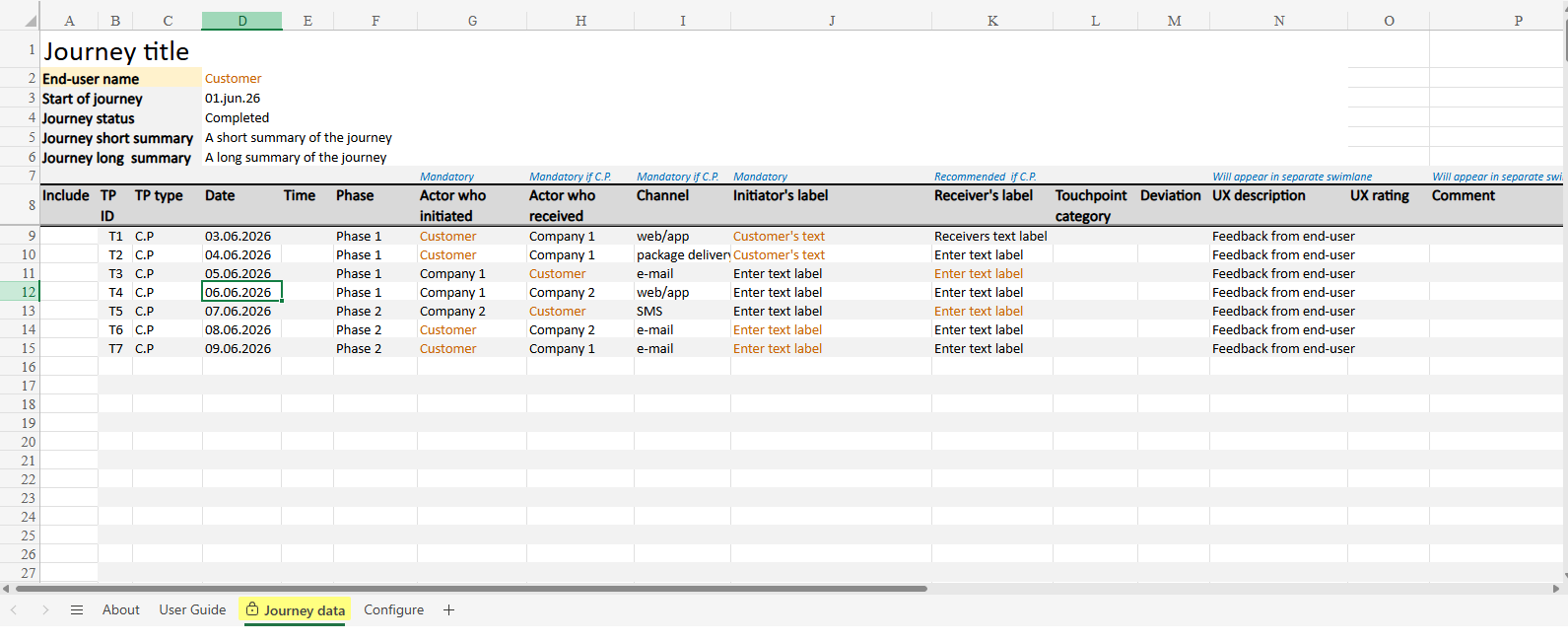
Tool 2: Template for Journey Data
- Excel based no-code solution to capture customer journeys
- Requires minimal prior knowledge of CJML
- Template has predefined fields covering essential CJML attributes and standardized drop-down lists
- Filled out templates later on ca be converted into xCJML using CJML converter
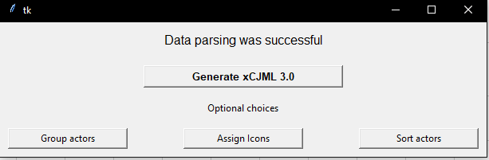
Tool 3: CJML Converter
- Excel based no-code solution to capture customer journeys
- Requires minimal prior knowledge of CJML
- Template has predefined fields covering essential CJML attributes and standardized drop-down lists
- Filled out templates later on can be converted into xCJML using CJML converter
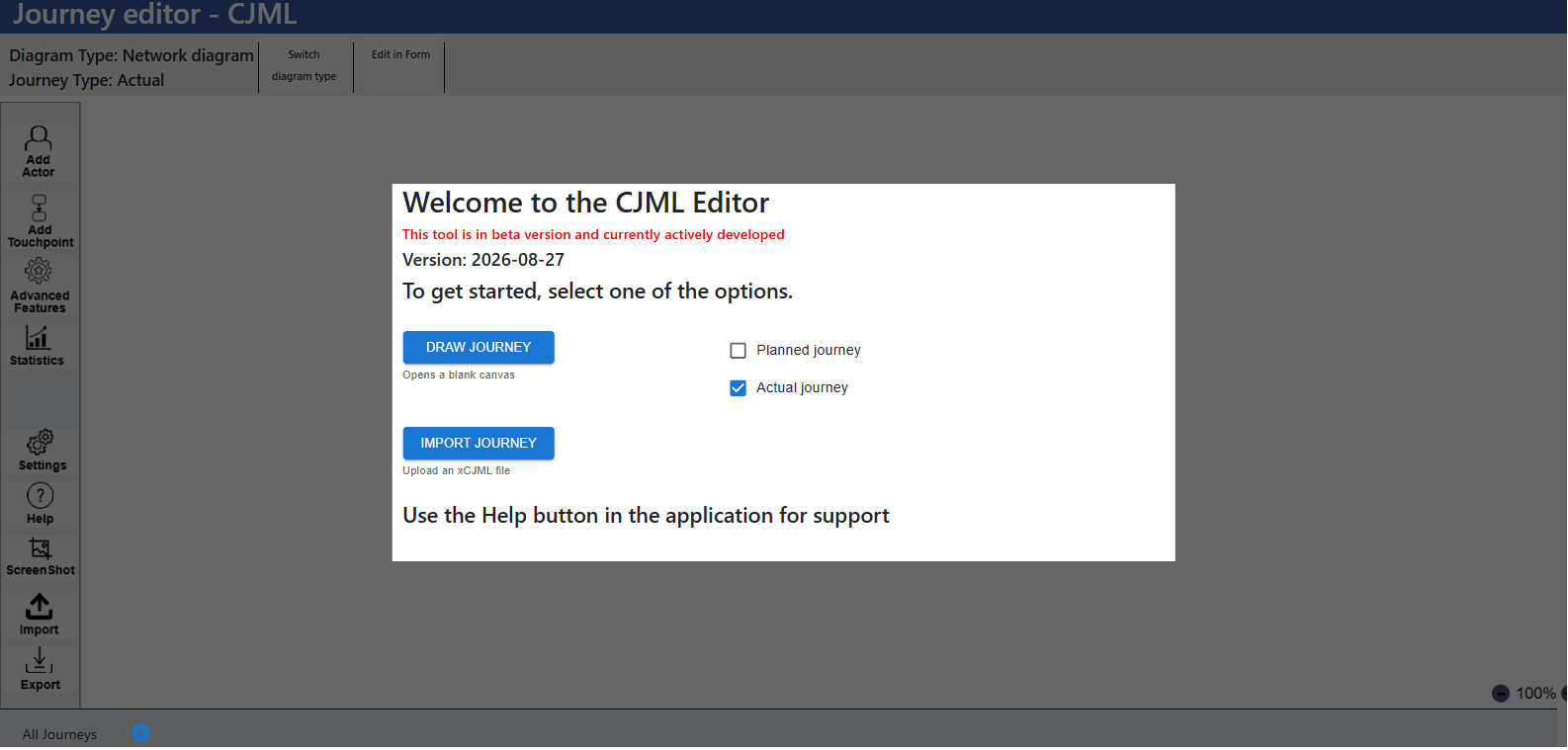
Tool 4: CJML Editor
- Web based application for creating and working with journey diagrams
- Several ways to create diagrams: Drag-and-drop, import xCJML files and fill in a form
- Enables to create multiple journeys regardless of type
- Automatic diagram type switching
- Allows to export journeys as xCJML or PNG